[elementor-template id='2779']
Welcome to the Support Page for the Himnario Bautista Celebremos App! We are here to make sure you have the best experience while using our app. Below, you’ll find commonly asked questions and guidance, as well as ways to get in touch with us for assistance.
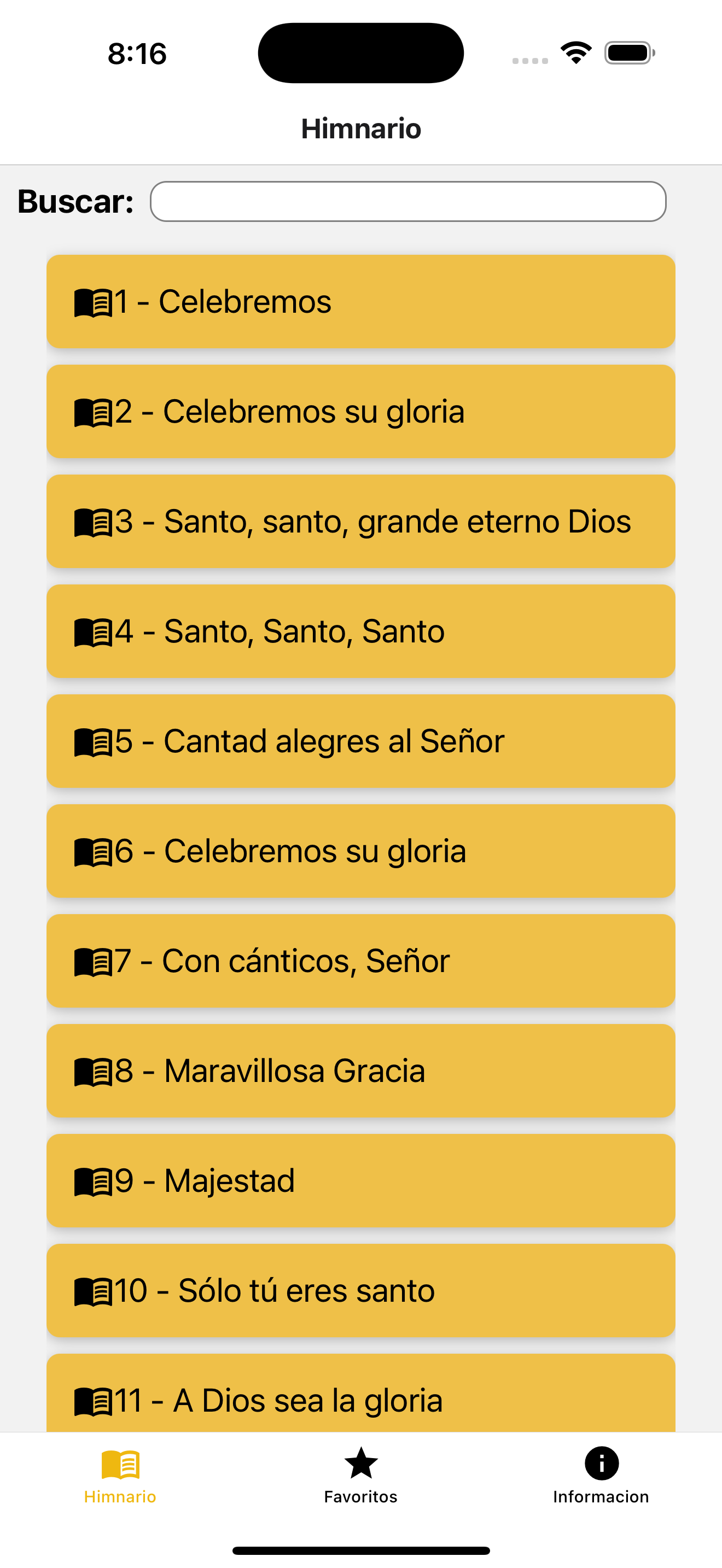
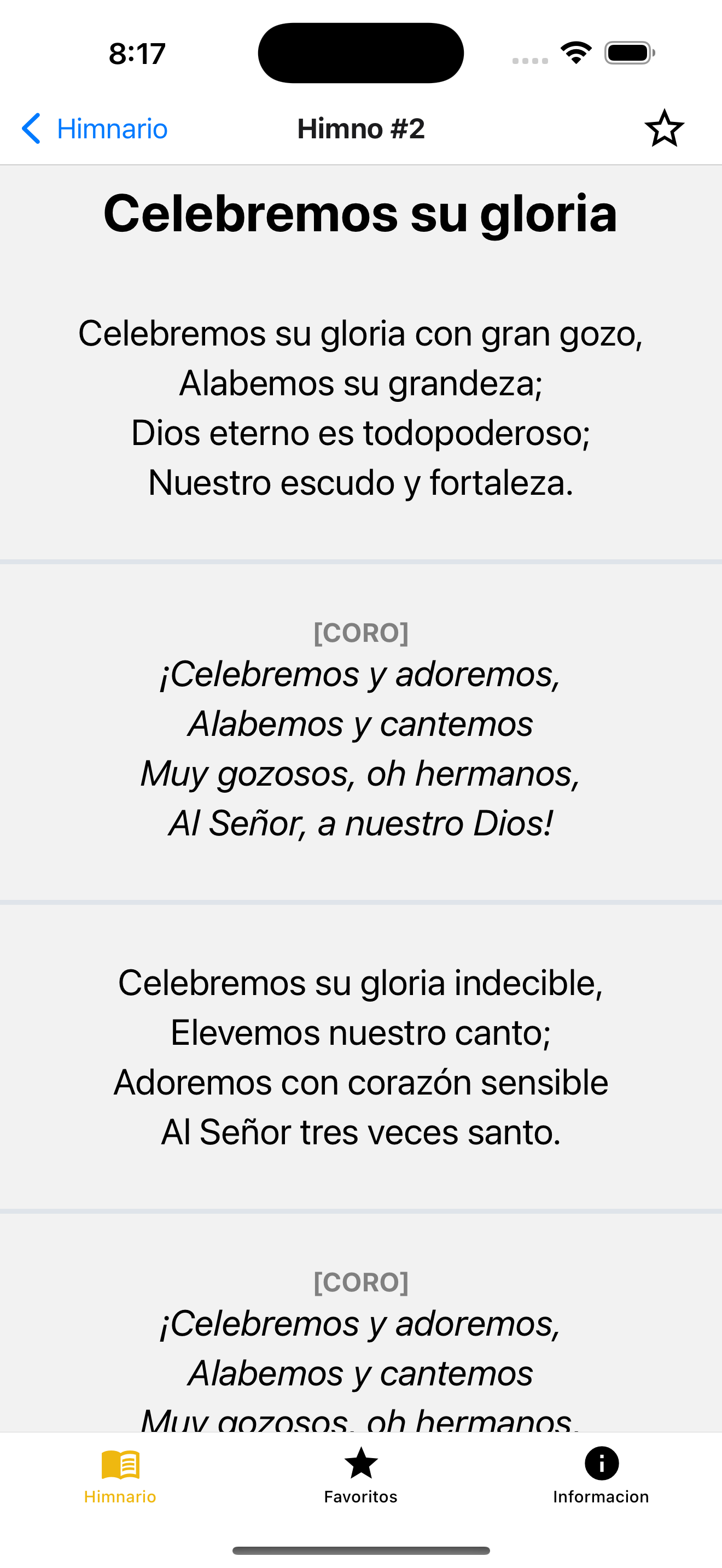
Browsing Hymns
- To open a hymn, navigate to the hymn number using the app’s interface.
- Hymns include stanzas for worship along with a chorus when applicable.
Accessing Favorites
- You can view your saved favorite hymns in the app’s “Favorites” section.
Frequently Asked Questions (FAQ)
1. What does the app do?
The app allows you to conveniently access your favorite hymns, including their stanzas, choruses, and titles. You can view hymns by their unique number and mark them as favorites for easier access.
2. How do I favorite or unfavorite a hymn?
To mark a hymn as a favorite:
- Open the hymn you want to save.
- Tap on the Favorite Icon in the top-right corner of the screen. This will toggle the favorite status for the hymn. You can access your favorite hymns later from the app’s appropriate section.
3. What should I do if a hymn is missing or incomplete?
If you encounter any missing or incomplete hymns, please contact our support team (details are in the Contact Us section below) and provide:
- The hymn number that is missing or incomplete.
- A brief description of the issue.
4. Can I add or edit hymns in the app?
Currently, the app does not allow users to add or edit hymns directly. However, if you have suggestions or corrections for the hymn content, please reach out to us via Email with the hymn details.
5. Does the app collect my personal information?
No, the app does not collect, store, or share any personal information from users. For more details, please review our Privacy Policy.
6. Is the app free to use?
Yes, the app is completely free to download and use. There are no in-app purchases or advertisements.
Contact Us
If you have additional questions, encounter technical issues, or would like to provide feedback, you can reach our support team as follows:
- Email: [contact@larimarsoftware.com]
Please include the following in your message:
- A description of the issue or question.
- Your device type and operating system version (e.g., “iPhone 14, iOS 16.4”).
- Any steps to reproduce the issue you’re experiencing.
Feedback and Suggestions
We welcome your feedback! If you have ideas on how to improve the app or if you’ve found errors in the hymn database, feel free to contact us. Your input helps us provide the best possible experience.